 sales@ivojo.co.uk
 01348 840080

Panasonic PT-MZ782BEJ
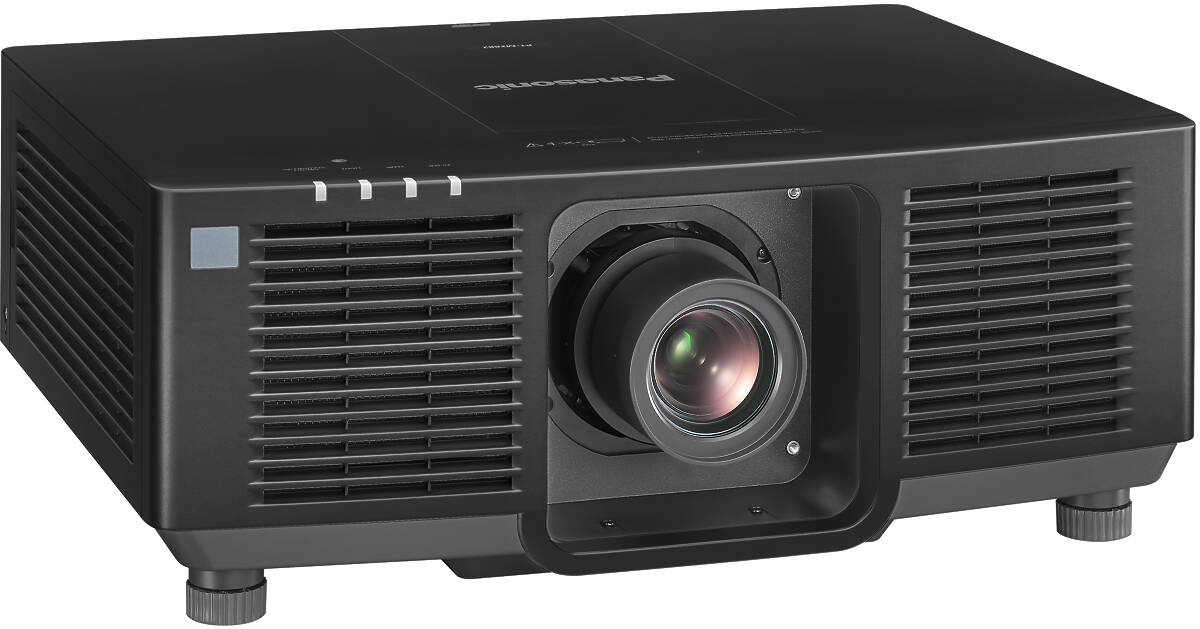
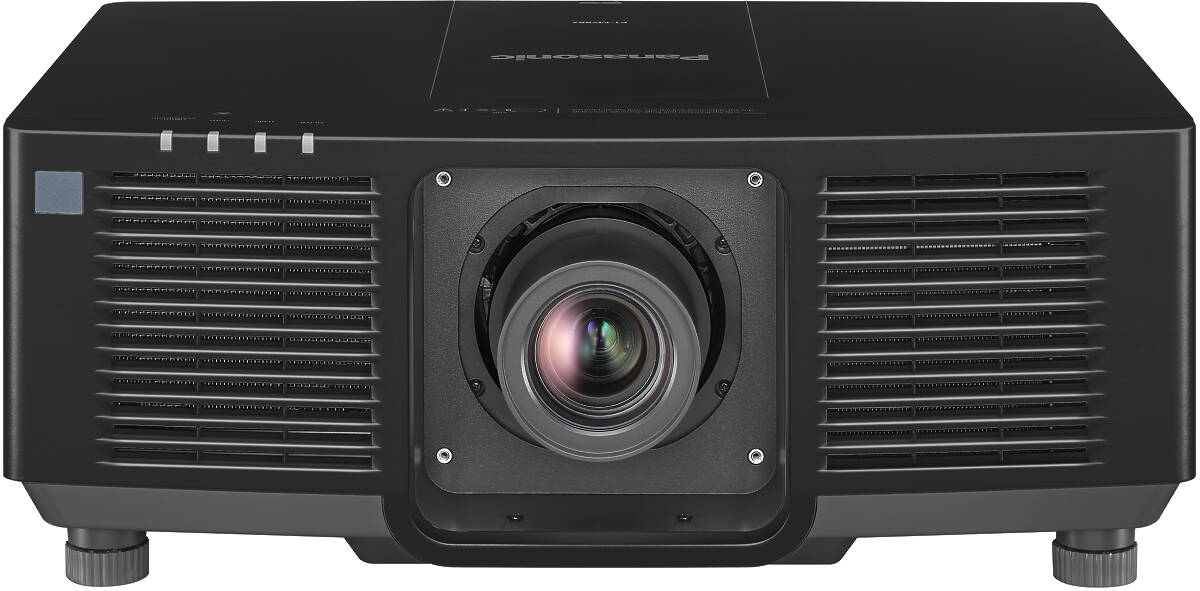
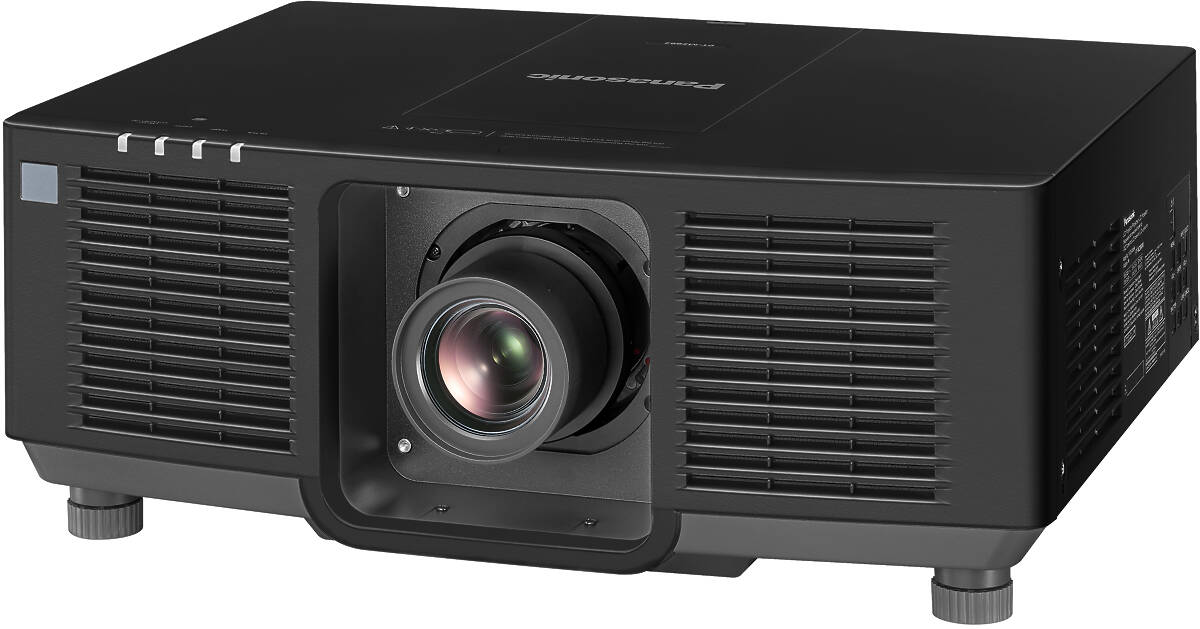
Panasonic PT-MZ782BEJ Key Features
- 7500 Lumens Colour Light Output
- Native Widescreen
- WUXGA 1920×1200 Native Resolution
- 20000 hour lamp life (typical)
- 3000000:1 Contrast Ratio
- 360° Installation
- Native Widescreen
- Lens Shift
- Curved Surface Projection
- Horizontal & Vertical Keystone Correction
- Direct Power Off
- Portrait Mode
- HDBaseT
- Interchangeable Lens System
- Can Be Installed Vertically
- Lens-centred Design
- Logo capture and display
- Quick Power On
- Quick Power Off
- Edge Blending
- DICOM Simulation Mode
- Monitor Out
- Network Control
- 17.6kg (38.8lb.)
- Finished in Black
- Contrast Sync and Shutter Sync for Multi-projector Displays
- Data cloning function via LAN
- Click for Panasonic PT-MZ782BEJ Detailed Specifications
Availability: In stock
Throw Calculator
| Lens | Minimum Throw |
Maximum Throw |
Foot Lamberts |
|---|---|---|---|
| Standard Lens | 1.38m | 2.37m | 1507 |
| ET-ELU20 | 0.28m | 0.3m | 1507 |
| ET-ELW22 | 0.67m | 0.84m | 1507 |
| ET-ELW21 | 0.69m | 0.69m | 1507 |
| ET-ELW20 | 1.12m | 1.46m | 1507 |
| ET-ELS20 | 1.46m | 2.41m | 1507 |
| ET-ELT22 | 2.34m | 3.85m | 1507 |
| ET-ELT23 | 3.82m | 6.12m | 1507 |
Panasonic PT-MZ782BEJ Throw Chart

Along the horizontal axis is the distance in metres between the front of the projector and the projection screen. Up the vertical axis is the width of the image the projector will produce. We use width rather than diagonal as the width will remain consistent with the throw distance and zoom setting whereas the height and therefore the diagonal will vary depending on the source. For example, if you have a 4:3 aspect ratio projector and use it to watch a 16:9 aspect ratio DVD then the image will be "letterboxed", i.e. the width will remain the same but the height will be reduced.
Projector Throw From Screen Size Table (16:10 aspect ratio, in metres)
| Diag. | Width | Height | Min. Throw | Max Throw | Area | Nits |
| 0.76 | 0.64 | 0.40 | 1.04 | 1.78 | 0.26² | 9196.3 |
| 1.00 | 0.85 | 0.53 | 1.37 | 2.34 | 0.45² | 5311.8 |
| 1.50 | 1.27 | 0.79 | 2.05 | 3.51 | 1.01² | 2360.8 |
| 2.00 | 1.70 | 1.06 | 2.73 | 4.68 | 1.80² | 1327.9 |
| 2.50 | 2.12 | 1.32 | 3.41 | 5.85 | 2.81² | 849.9 |
| 3.00 | 2.54 | 1.59 | 4.10 | 7.02 | 4.04² | 590.2 |
| 3.50 | 2.97 | 1.85 | 4.78 | 8.19 | 5.51² | 433.6 |
| 4.00 | 3.39 | 2.12 | 5.46 | 9.36 | 7.19² | 332.0 |
| 4.50 | 3.82 | 2.38 | 6.14 | 10.53 | 9.10² | 262.3 |
| 5.00 | 4.24 | 2.65 | 6.83 | 11.70 | 11.24² | 212.5 |
Nits are a measure of the brightness of the final image. Multiply the figure in the Nits column by the gain of your screen to obtain a true figure.
Projector lamps dim over their life spans so make allowances by multiplying the foot nits by 0.75 to get a reasonable average.If you intend to calibrate your projector then this will also affect brightness. For home cinema use in a well darkened roon, about 42-70 Nits is ideal. For office use, aim for at least 175.
Screen Size For Given Throw Table
| Throw | Min. Width | Max. Width |
| 1.36 | 0.49 | 0.84 |
| 2.00 | 0.72 | 1.24 |
| 2.50 | 0.91 | 1.55 |
| 3.00 | 1.09 | 1.86 |
| 3.50 | 1.27 | 2.17 |
| 4.00 | 1.45 | 2.48 |
| 4.50 | 1.63 | 2.80 |
| 5.00 | 1.81 | 3.11 |
| 5.50 | 1.99 | 3.42 |
| 6.00 | 2.17 | 3.73 |
| 6.50 | 2.36 | 4.04 |
| 7.00 | 2.54 | 4.35 |
| 7.50 | 2.72 | 4.66 |